A 5 mm grid that measures 5 mm
No account · no upload
Paper type19
Notes & writing
Data & plotting
Planning
— mm
PNG at 300 DPI · SVG is vector, transparent · both export one sheet
Generated on your device · no upload, no signup
Settings
More settings
Prints a measured strip. If a ruler disagrees with it, your printer is scaling the page.
Preview · not to screen scale
1:1 detail · 62 × 40 mm
Drawn in real millimeters. Hold a ruler to the screen — if it disagrees, your display's reported DPI is wrong, not the PDF.
Printable storyboard paper, to exact spec
Frames, and somewhere to write what happens in them.
The frames have to be the shape you're actually shooting, which is where most printable storyboard templates fail: they are 4:3, a ratio almost nobody delivers in now, and drawing a widescreen shot inside a 4:3 box is how framing gets decided wrong and discovered in the edit. So pick the aspect first — 16:9 for most video, 2.39:1 for anamorphic, 1:1 for social, 4:3 if you genuinely work in it.
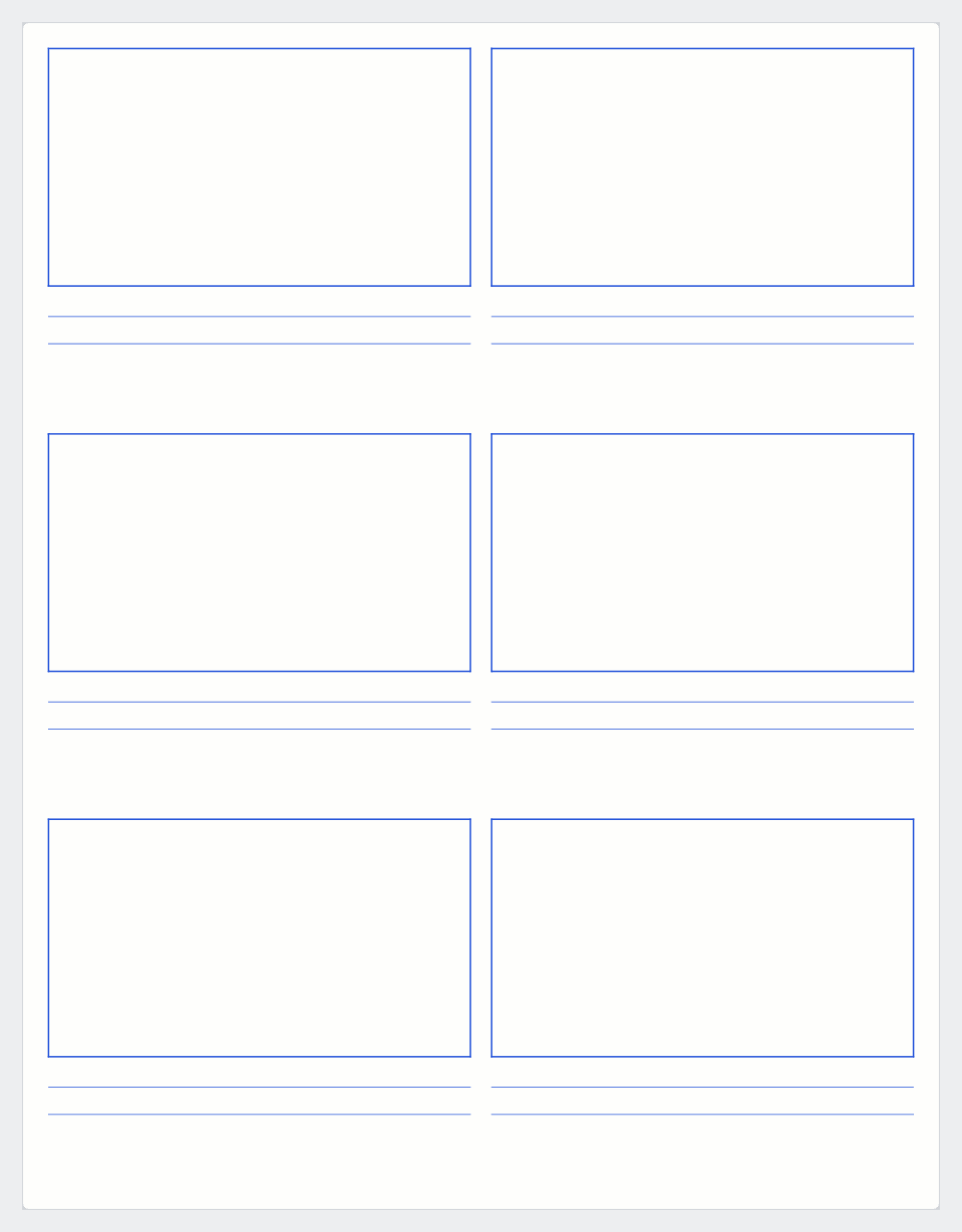
Frame count trades drawing room against sequence length. Three or four to a page if you're drawing properly, six or eight for thumbnails and timing passes. On landscape pages the grid transposes so wide frames stay large.
Getting the aspect ratio right
Boarding 16:9 material in 4:3 frames is the usual failure, and most free templates are 4:3.
A 4:3 box makes vertical space feel abundant and horizontal space tight, so you compose too centered and too close. Moved to a wide frame, the shot has dead air on both sides and a subject smaller than intended.
Cropping the other way loses the sides, which is often where the subject is.
The ratios
16:9 is the delivery format for broadcast, streaming and web video, and the default here.
2.39:1 is anamorphic widescreen, the shape of most theatrical features. It boards differently: horizontal staging, two people in one shot, more frame to fill.
1:1 suits social platforms that crop to square. Board square rather than boarding wide and cropping later.
4:3 covers archive material and deliberate stylistic choices.
There is no vertical option. A 9:16 frame on a printed page is a narrow slot with wasted paper either side.
Frames per page
Three or four gives frames big enough to draw staging and expressions a crew can read. Use that for anything you hand to other people.
Six or eight suits thumbnails and timing passes, where the frames are too small for detail and you are working out what happens rather than how it looks.
On landscape pages the grid transposes so wide frames stay large. For 2.39:1, landscape is usually the only workable choice.
The caption lines
Two ruled lines under each frame. At minimum write shot size and camera move: "MS, push in" tells a crew more than the drawing does. Add dialogue, sound, duration or what it cuts from as needed.
Drawing skill matters less than clear staging and a legible note. Number the frames, which saves confusion when pages get separated.
Frequently asked questions
How many frames per page?
Three or four if you want to draw properly. Six or eight to block out a sequence.
Which aspect ratio?
Whatever you're delivering in. 16:9 for most video, 2.39:1 for anamorphic, 1:1 for social.
Room for notes?
Two ruled lines under every frame.
Portrait or landscape?
Landscape usually wins at 16:9 and wider. Try both in the preview — the difference in frame size is large.