A 5 mm grid that measures 5 mm
No account · no upload
Paper type19
Notes & writing
Data & plotting
Planning
— mm
PNG at 300 DPI · SVG is vector, transparent · both export one sheet
Generated on your device · no upload, no signup
Settings
More settings
Prints a measured strip. If a ruler disagrees with it, your printer is scaling the page.
Preview · not to screen scale
1:1 detail · 62 × 40 mm
Drawn in real millimeters. Hold a ruler to the screen — if it disagrees, your display's reported DPI is wrong, not the PDF.
Printable graph paper, to exact spec
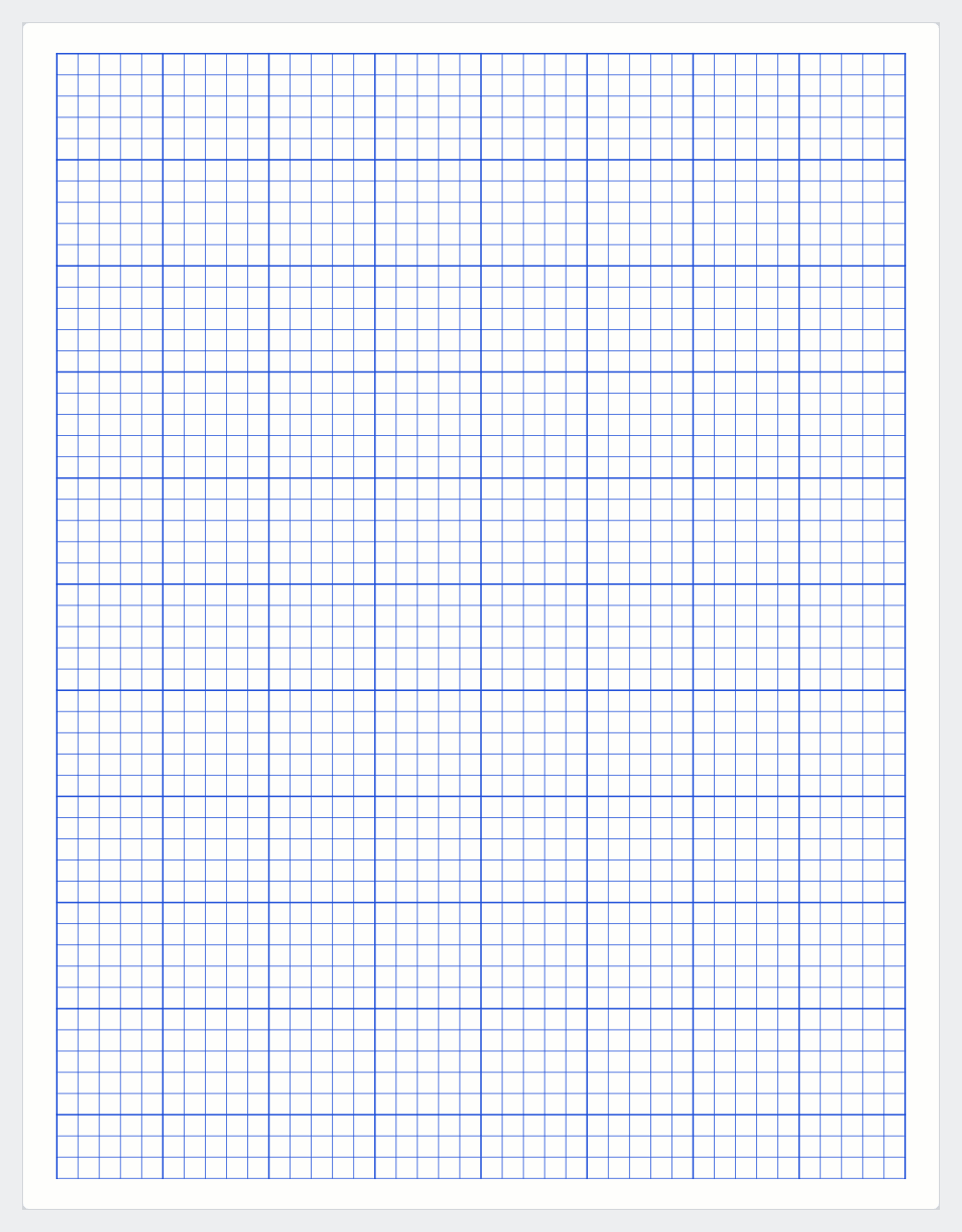
Most printable graph paper isn't the size it claims to be. It's a fixed image, or a PDF that got scaled somewhere between someone's screen and your printer, so the 5mm grid measures 4.6mm when you put a ruler on it.
This one draws the grid in real millimeters and writes it straight into the PDF. Set 5mm and you get 5mm, on Letter or A4, on any printer that isn't scaling to fit.
Past that it's graph paper. 5mm and 1cm cover schoolwork and general use, 2mm suits technical drawing, and anything above 10mm is for large-format sketching or teaching. Keep the heavier line every 5 or 10 squares if you're going to be counting.
Working in inches? Switch the units above the spacing slider and it snaps to sixteenths, so quarter-inch means 1/4 rather than 6.35.
Printing it at the right size
Two things shrink a printed grid.
One is the print dialog. "Fit to page" resizes the document so it fits inside the printer's unprintable border, usually by 4 to 6 percent. A 5mm grid comes out at about 4.75mm. Acrobat calls it "Shrink oversized pages"; some drivers call it "Scale to fit". It is on by default more often than not.
The other is the file. Graph paper saved as a JPEG or PNG has no physical size, only pixels and a DPI tag the printer may ignore. Most of the printable graph paper online is an image.
The PDF here is vector, with every line at a real millimeter coordinate. Set the print scale to 100% or Actual size. To check the result, turn on the check ruler and measure the strip it prints near the bottom of the page.
Picking a spacing
5mm is the default. It is the grid in most European exercise books, fine enough to plot on and coarse enough to write in.
2mm and 2.5mm suit technical drawing and charting work that needs a lot of cells per sheet. Both are too tight for handwriting with a ballpoint.
1cm works for hand-plotting data, sketching layouts, and anything a class has to read from a distance. Above 15mm the grid is scaffolding rather than a measuring device.
The heavier line every 5 or 10 squares is there for counting. Reading blocks is faster and less error-prone than counting individual cells.
Inches
US graph paper is usually quad ruled, 4 squares to the inch, or 5 squares to the inch on engineering pads.
For quad, switch the units to inches and pick 1/4. The slider snaps to sixteenths, so you get an exact quarter inch.
5 squares per inch cannot be set, because a fifth of an inch is not a sixteenth. Use 5mm instead, which works out to 5.08 squares per inch. Across a 10-inch page that is about half a millimeter of difference.
Frequently asked questions
What grid size should I use?
5mm or 1cm for general use, 2–2.5mm for technical drawing. For needlework, match the grid to your stitch size.
Can I get 1/4 inch graph paper?
Yes. Switch the units to inches and pick 1/4 — that's 4 squares per inch, the usual US school grid.
What about 5 squares per inch?
That's 1/5 inch, which isn't a sixteenth. Use 5mm — it's 5.08 squares per inch, close enough that nobody has ever noticed.
Does it print to scale?
Yes. The grid is generated in real millimeters straight into the PDF — there's no image scaling step to drift.